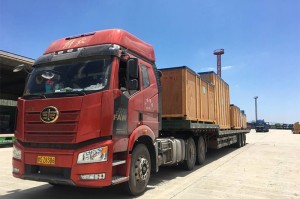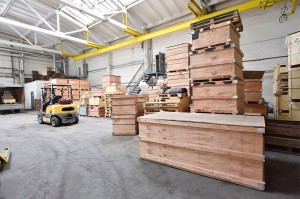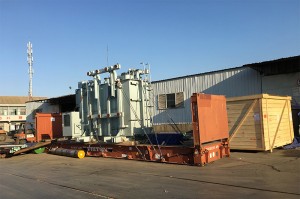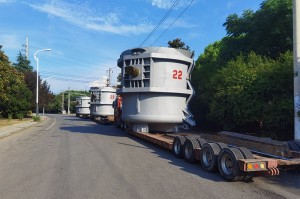


Kev Npaj Txoj Kev
Nrog peb txoj kev txawj ntse npaj txoj kev, peb ua tib zoo tshuaj xyuas ntau yam xws li qhov deb, qhov xwm txheej ntawm txoj kev, cov qauv tsheb khiav, thiab cov kev xav tau tshwj xeeb ntawm cov neeg siv khoom kom tsim tau cov kev thauj mus los zoo tshaj plaws thiab pheej yig tshaj plaws. Peb lub hom phiaj yog kom txo lub sijhawm thauj mus los, txo kev siv roj, thiab ua kom zoo tshaj plaws rau cov txheej txheem kev thauj mus los.
Los ntawm kev siv peb cov kev pabcuam npaj txoj kev, peb cov neeg siv khoom tau txais txiaj ntsig los ntawm kev ua haujlwm yooj yim, kev ua haujlwm zoo dua ntawm cov khoom xa tuaj, thiab kev txuag nyiaj ntau. Peb pab neeg mob siab rau kev txiav txim siab ntau yam thiab siv cov software thiab cov cuab yeej kos duab siab heev los txheeb xyuas cov kev zoo tshaj plaws, kom ntseeg tau tias kev xa khoom raws sijhawm thiab txhim khu kev qha.

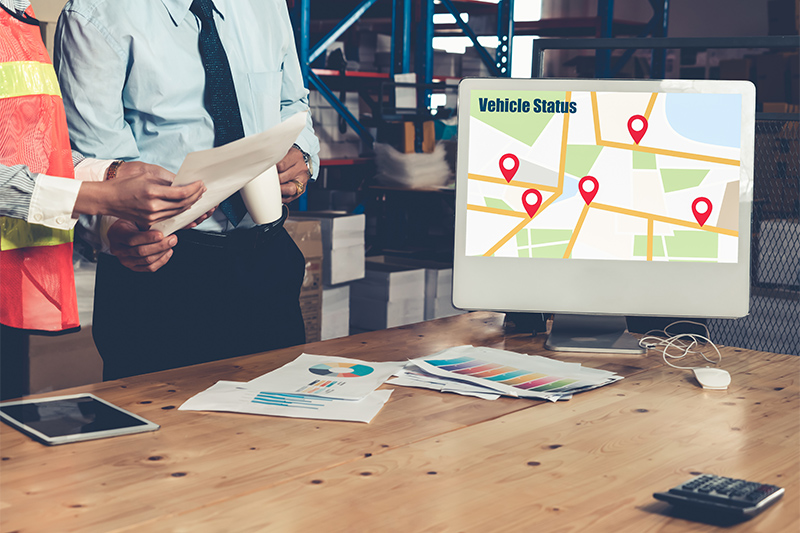
Tsis tas li ntawd xwb, peb tseem niaj hnub muab cov ntaub ntawv tshiab tshaj plaws txog kev cai lij choj, kev txwv, thiab kev tsheb khiav, ua rau peb muaj peev xwm daws tau txhua yam teeb meem thiab xyuas kom meej tias kev thauj mus los zoo. Peb txoj kev cog lus rau kev nyab xeeb thiab kev ua raws li txoj cai lav tias koj cov khoom thauj yuav raug thauj mus los kom ruaj ntseg thiab ua raws li txhua txoj cai.
Nrog peb cov kev pabcuam kev thauj mus los hauv av, koj tuaj yeem ntseeg peb los daws cov teeb meem nyuaj ntawm kev npaj thiab ua kom muaj kev thauj mus los zoo, cia koj tsom mus rau koj cov haujlwm tseem ceeb. Koom tes nrog OOGPLUS rau cov kev daws teeb meem kev thauj mus los hauv av uas txhim khu kev qha thiab kho kom haum rau koj txoj kev lag luam uas tsav koj txoj kev lag luam mus tom ntej.